Project Zomboid Loot Respawn and Depletion in Build 42
When containers refill, when they stop, and how to keep a save fed past month one.
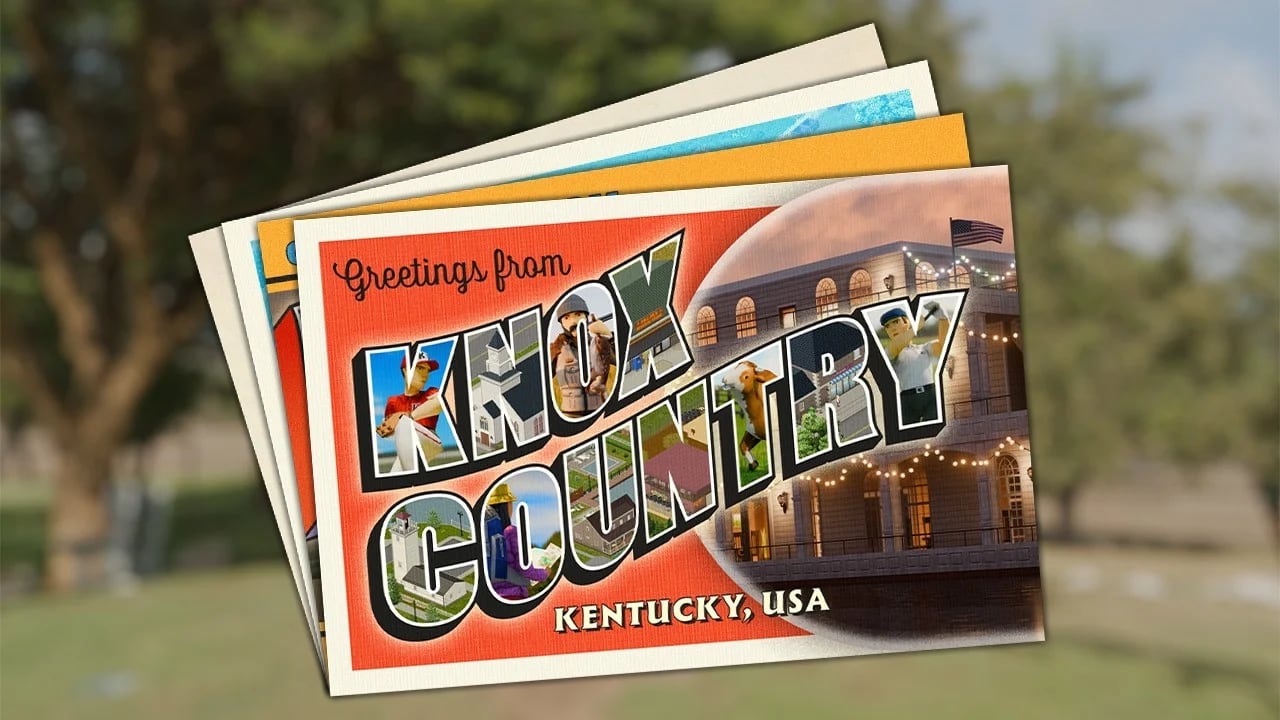
Project Zomboid loot is finite-but not uniformly so. Build 42 Early Access split the respawn system into pieces that punish careless scavenging and reward players who plan beyond canned spaghetti. After the August 2026 hotfixes on Build 42.20.4 stable, container states still hold. This guide explains the timers, the zone loot tables, and how community-tested sandbox settings keep your multiplayer server alive past month two.\n\nIf you skipped ahead, start with Loot Routes and Early Loot Priorities. Those pages assume you understand how the timer below works.\n\n## Two clocks: container respawn and zone respawn\n\nBuild 42 has two parallel respawn mechanics. Treating them as one is the most common mistake in 42.20 screenshots posted on Reddit and Steam.\n\nContainer respawn tracks every individual cupboard, fridge, drawer, and crate. Once you empty a kitchen cabinet, that cabinet is in the empty state until the sandbox timer counts down. Empty containers stay empty even if the rest of the building still holds loot. The default HoursForLootRespawn = 1 (in-game hour) is the timer behind the toggle in Sandbox Settings.\n\nZone respawn rewrites whole areas. After a much longer sandbox interval (typically weeks of in-game time), the area regenerates a fresh loot pass: containers refill, zombies can repopulate, and the route “feels new” again. Zone respawn respects the same population sliders you set in the world creation screen.\n\nYou can have an hour-long container timer and still see the map “empty” because zones have not regenerated. Conversely, a generous container timer still leaves long-term gaps if you keep visiting the same diner.\n\n## How long until a single container refills\n\nThe HoursForLootRespawn slider controls the gap between visits that count as “new” empties. Default 1 means a kitchen cupboard emptied at 9 AM will be eligible for refill the next in-game day if nobody else touches it.\n\nPractical rules:\n\n- Two players clearing the same block in the same day still see partial loot. The timer resets on the container, not on the player.\n- Server admin resets wipe containers globally. Use them sparingly before a season.\n- Per-player loot ignore is a different option (Perhouse distribution) that controls whether each player gets a fresh roll or shares the same global container. Most co-op groups use per-house so two players do not fight over one fridge.\n\nFor dedicated servers, set HoursForLootRespawn higher than 1 if you have an eight-person group cycling through towns. The realistic sweet spot on 42.20.4 ranges from 12 to 48 in-game hours per container. Pair with Multiplayer Mods if your group runs Brita’s Weapon Pack or other content overhauls.\n\n## Zone regeneration: when the whole block “feels new”\n\nZone respawn is set in Map and Zone sections of sandbox. After the chosen interval, the area regenerates zombies, loot, and container state. Most vanilla servers leave it at the default (effectively many in-game weeks) because players hate the surprise of a freshly stocked Knox County while they have already fortified Brandenburg.\n\nWhat actually moves loot after a wipe or new patch:\n\n- Wipe: full reset, all containers empty or full depending on default.\n- Map regen / hot patch: partial. The team has flagged that bigger mapping passes can re-roll container states.\n- No event: containers stay empty. Zone respawn is the only mechanism that refills them en masse.\n\nIf your save feels dead but the world date still reads month two, the answer is almost always zone respawn frequency, not container respawn hours.\n\n## Loot abundance tiers in Build 42\n\nThe four vanilla sandbox levels stay:\n\n- Extremely Rare - hard mode. Most homes are bare; commercial buildings hold a fraction of their expected stock.\n- Rare - the default flavor of pain.\n- Normal - the baseline used by most co-op servers.\n- Abundant - more than you need; usually paired with high zombie populations for tension balance.\n\nBuild 42 also added per-zone multipliers (used by WorldZed maps). Some community packs boost hospital and gun store spawns. Treat custom multipliers as informational until you verify a save: 42.20.4 hotfixes may revert third-party loot mods if they conflict with the new map.\n\nPair abundance with population settings in Game Modes: Apocalypse runs balance high population against normal loot; custom sandbox often swaps that.\n\n## Why your save feels empty\n\nThree common culprits, in order:\n\n1. Container state has not refilled. HoursForLootRespawn is on cooldown. Check the world date versus when the building was last cleared.\n2. Zone loot table was reduced by community mod or admin. Verify with !showoptions in admin tools if your host has Admin Tools installed; otherwise inspect SandboxVars.lua for changes.\n3. You play in a single zone. A long solo run on one block drains it faster than any timer compensates.\n\nIf all three fail, do a [Save Backup](/guides/save-backup/) and check whether the host has run a reload loot command. The 42.20.3 hotfix fixed a memory leak that sometimes delayed container refills by 24 in-game hours; a build newer than 42.20.4 is safer for long multiplayer seasons.\n\n## Loot respawn etiquette in online co-op\n\nMultiplayer adds social pressure. Several patterns keep groups from stomping each other:\n\n- One designated scavenger per district. Avoid double-clearing Muldraugh because two players emptied it yesterday.\n- Share a kitchen whiteboard. Mark cleared buildings with chalk or paper so the team does not waste daylight.\n- Honour “hot zones.” Helicopter day means everyone avoids loud zones regardless of loot pressure; see Helicopter Event.\n- Server-wide restock events. Schedule at story milestones: month change, generator online, full base upgrades. Use !restock or your Admin Tools command for fairness.\n\nPair with Servers and Co-op when you draft server rules.\n\n## Common questions for new hosts\n\nShould I disable loot respawn entirely? Only on hardcore RP servers where depletion is part of the story. Most groups prefer low but not zero (a 168 in-game hour container timer, zone respawn enabled).\n\nDoes respawn affect zombies? Yes. Zone respawn triggers a fresh zombie migration in the regenerated area. Build 42.20’s doubled map means migrations now wander longer distances. Plan Foraging loops away from regen zones.\n\nWhat about vehicle trunks? Vehicle trunks share the player’s container state, not the world. Dropping an empty jar in your trunk and looting one in the world still depends on world timers.\n\nAre basements treated differently? Yes. Each basement is its own zone for respawn. Most 42.20 basements regenerate on the slower zone cycle, which makes them attractive long-term loot sources for Best Base Locations near basement-rich towns.\n\n## Planning beyond canned food\n\nOnce you understand the timers, plan the calendar:\n\n- Days 1-7: hit one town hard, ignore restocks, focus on First Week Survival.\n- Days 8-14: rotate between two towns to spread depletion.\n- Month 2: start Farming and Animals so the respawn timer is not your only calorie source.\n- Month 3+: use zone regen as a seasonal “season reset” event; pair with Trapping and Fishing for steady calories.\n\n## Reset commands for server admins\n\nIf you run a hosted server, learn these admin tools before the first wipe panic:\n\n- !reloadoptions - re-reads sandbox settings without restart.\n- !restock - resets all container states to a freshly looted baseline.\n- !reload loot - reloads specific loot distribution tables (admin tool dependent).\n- !additem <name> - debug; do not use during normal play.\n\nAlways announce restocks in Discord. Players do not enjoy their carefully marked whiteboard getting nuked mid-run. Pair with Dedicated Servers before changing sandbox live.\n\n## Early Access note\n\nBuild 42.20.4 (26 August 2026) closed a security hotfix that removed loadstring / loadstream from Lua contexts. Some older community mods that hot-reloaded loot tables via loadstring now need updates; a few servers will feel “loot is wrong” until their mod list is rebuilt on a 42.20.4-clean baseline. Read Hotfix 42.20.4 before swapping mod lists.
Frequently Asked Questions
Quick answers to the most common questions.
How long until a container refills in Build 42?
The default in-game hour countdown (`HoursForLootRespawn`) starts once a container is emptied. Multiplayer groups typically raise it to 12-48 hours per container to spread depletion.
Does loot respawn across the entire map?
Zone regeneration rewrites whole areas after a much longer interval (often weeks of in-game time). Containers refill gradually between zone resets, depending on your sandbox sliders.
Why does my save feel empty in week two?
Most often the container timer is on cooldown and you are over-visiting the same zone. Rotate districts, mark cleared buildings, and lean on Farming and Animals for calories.
Are vehicle trunks and basements affected by respawn?
Trunks share the player's container state and ignore world timers. Basements are their own respawn zone, so they refill on the slower zone cycle that makes them valuable long-term loot.
Do zone respawns also bring back zombies?
Yes. Zone regeneration repopulates both loot and zombies. With the Build 42.20 map glow-up, those groups wander longer distances, so plan Foraging routes away from fresh zones.