Project Zomboid Interactive Knox County Map
Plan floors, basements, and loot pins on community maps without treating them as a spoiler-free GPS.
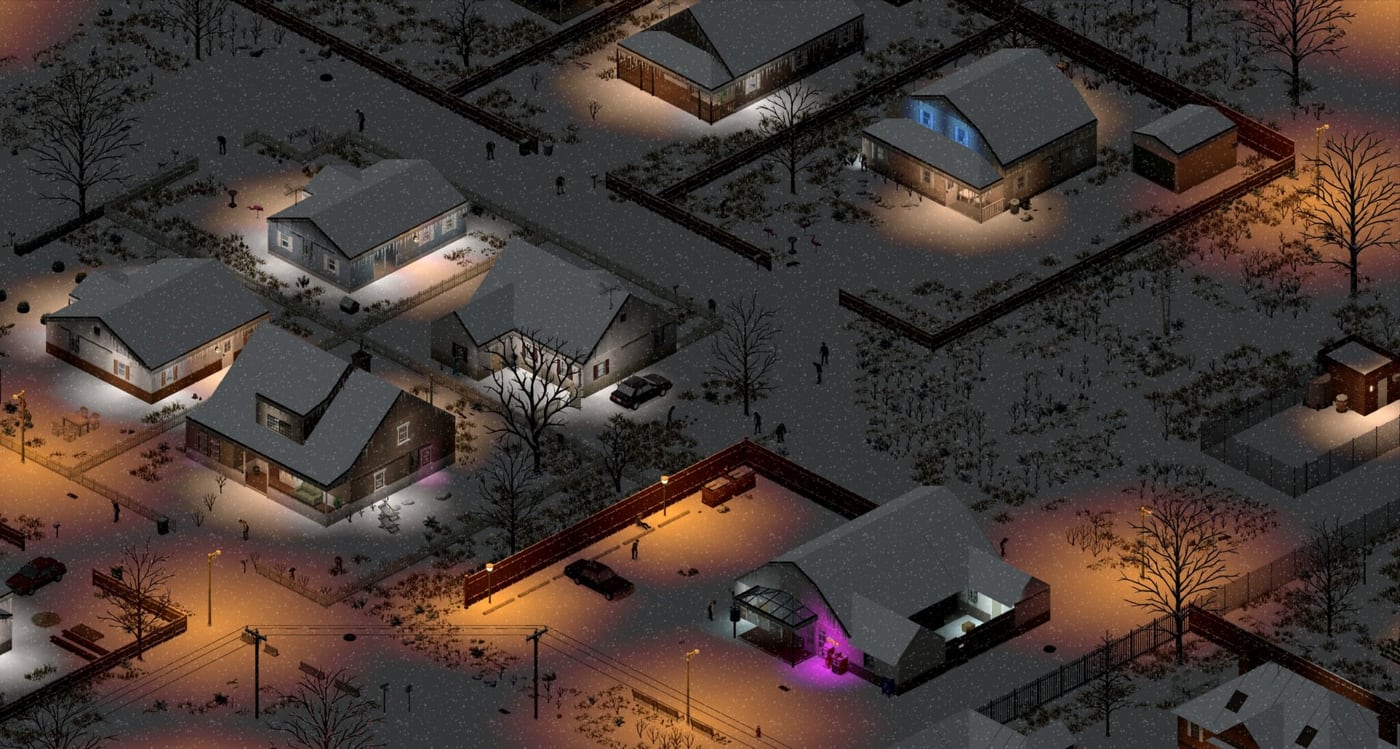
“Project Zomboid map” is one of the highest-volume searches around this game, and it rarely means the folded paper in a glove box. Players want a zoomable Knox County with building outlines, floor switches, and basement markers for Build 42.20’s doubled tile set. This page explains which community maps to open, how to use them without wrecking exploration, and how they pair with in-game map items.
This is not an official Indie Stone product. Community maps lag after huge drops. After The Big Glow Up, always check that the site you opened lists Build 42 / 42.20 tiles—old Build 41 traces will send you down roads that no longer match. Cross-check towns in our Towns Overview and the new western loop in Brandenburg, Ekron, Irvington.
Maps worth opening
- Project Zomboid Map Project — the long-running community standard. Building footprints, street names, and planning pins. Start here if you only bookmark one link.
- Zomboid Map — floor and basement switching, loot-oriented overlays, and shareable markers that help co-op callouts.
- PZ Map — isometric floors, spoiler-safe toggles, and street labels when you want less HUD noise.
Keep official news on Wiki Resources. Store pages do not replace a tile map, and a tile map does not replace Starting Locations advice.
How to use a map without ruining the run
Decide your spoiler rule before you zoom.
- Navigation mode: streets, town edges, river crossings, highway exits. Enough to stop dying lost. Still walk interiors blind.
- Loot mode: pin hardware, warehouses, clinics, and gas—then run those pins as a loot route, not as a teleport shopping list.
- Architecture mode: floor sliders and basement layers. Build 42.20 added hundreds of procedural basements plus unique layouts. If your map shows a cellar under a pharmacy, treat it as a candidate, then clear it like a mini-dungeon—see Basements and POIs.
Print or screenshot a region before a long drive. Phones die; the in-game map does not load a browser.
In-game maps still matter
Community sites do not annotate your zombies. Loot a map item, annotate in the world map UI, and mark the safehouse, fallback cars, and the well you actually tested. Foraging and exploration skills still reveal fog of war. A browser pin of Louisville is not permission to stroll Louisville on day four.
Use both: browser for “where is the factory district,” in-game for “we already cleared this block.”
Planning a session in five minutes
- Open the community map at the town you spawned—starting locations if you have not picked yet.
- Mark water (river, well, potential roof for collectors) and one industrial cluster for tools or a sledgehammer hunt.
- Draw a loop that returns before night. Lighting is darker after 42.20; do not plan a 2 a.m. basement tour from a screenshot.
- Share the same pin language in co-op (“north warehouse, floor 0, not the basement”) so voice chat matches the overlay.
- After 42.20.3 or any mapping hotfix, refresh the site. Cached 41-era tiles are worse than no map.
Multiplayer pins
Agree whether the Discord map is spoiler-on or streets-only. New players who wanted to learn Rosewood by walking should not be dropped a full loot heatmap on day one. Public servers should never post exact stash coordinates on a public overlay.
Common mistakes
- Following a Build 41 warehouse video into a 42.20 parking lot that is now houses.
- Treating basement markers as empty loot rooms.
- Zooming Louisville on day one because the map looks dense.
- Forgetting that vehicles still need fuel and keys to reach the pin.
- Leaving the only annotated in-game map in a corpse you cannot recover.
Open one community map, pick a spoiler level, and walk the rest. Knox County is learnable. The interactive map is a planner, not a second game.
Frequently Asked Questions
Quick answers to the most common questions.
What is the best Project Zomboid interactive map?
Start with map.projectzomboid.com. Use zomboidmap.com when you need floor and basement layers. Confirm the site is updated for Build 42.20.
Does the interactive map work for Build 42?
Yes if the site advertises 42 / 42.20 tiles. Old 41 maps mislead after the glow-up. Pair with New Towns for Brandenburg and Irvington.
Should beginners use an online map?
Use it for roads and town edges. Keep interiors a surprise if you want the exploration fantasy. Starting Locations already ranks spawns without spoiling every crate.
How do I see basements on the map?
Sites such as zomboidmap.com expose floor and basement toggles. Still clear them carefully—Basements and POIs explains why they bite.
Is there an official Indie Stone map tool?
Players use community maps. Official news and forums stay on Wiki Resources. In-game map items remain the authority for your save’s fog of war.